How to view results and download certificate
1. Login to your account on https://www.worldspiritschallenge.com
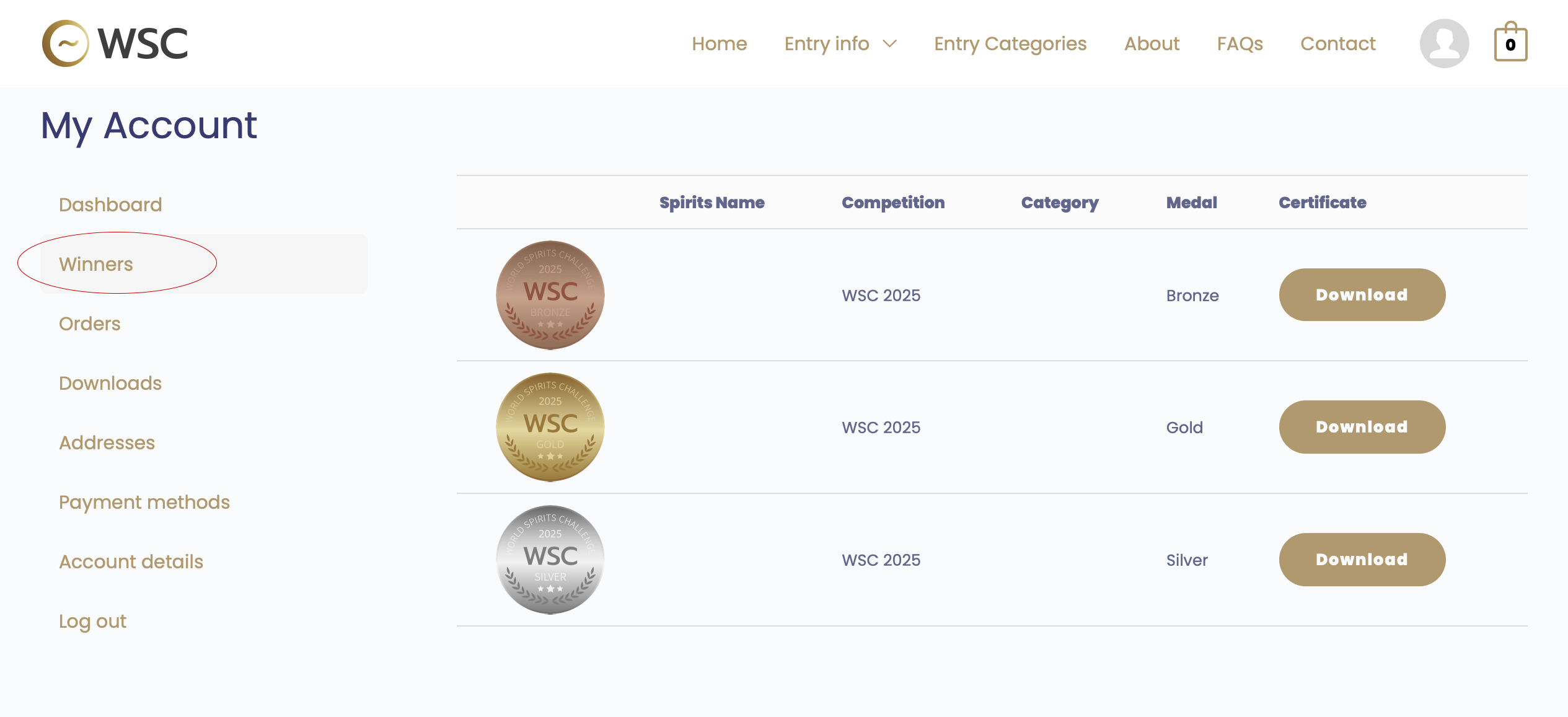
2. Click ‘Winners’ page on the ‘My Account‘ to open.
All winning spirits and their medals will be listed here.
3. Click on the spirit name to open its Award Page.
4. Download your certificate by clicking the ‘Download’ button.
📌 Important information
Each certificate includes a unique QR code.
You can scan the QR code to access the Award Page.